A feedback form that
looks like yours

Your colors. Your copy. Your app's personality. Set it up in 2 minutes, share a link, and start hearing from your users — not guessing what they think.
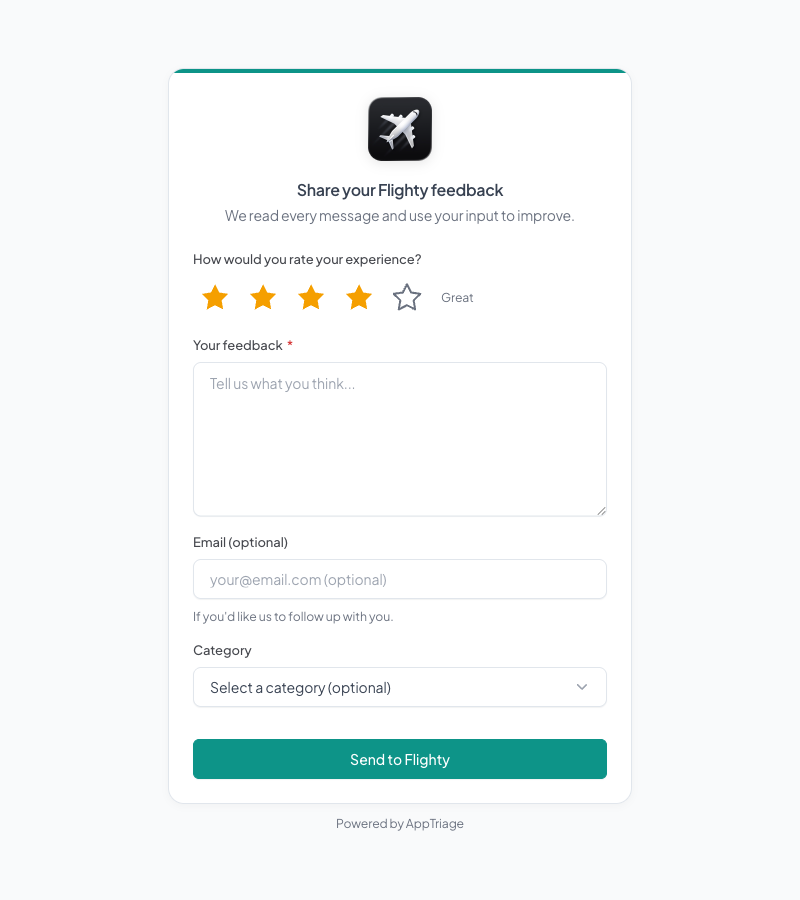
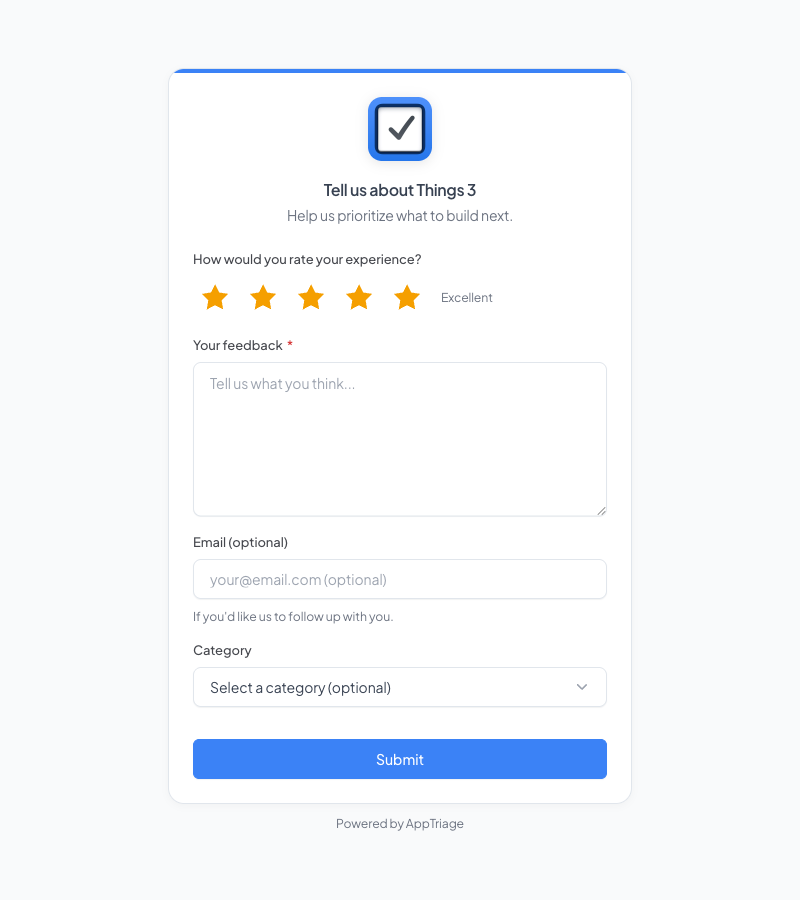
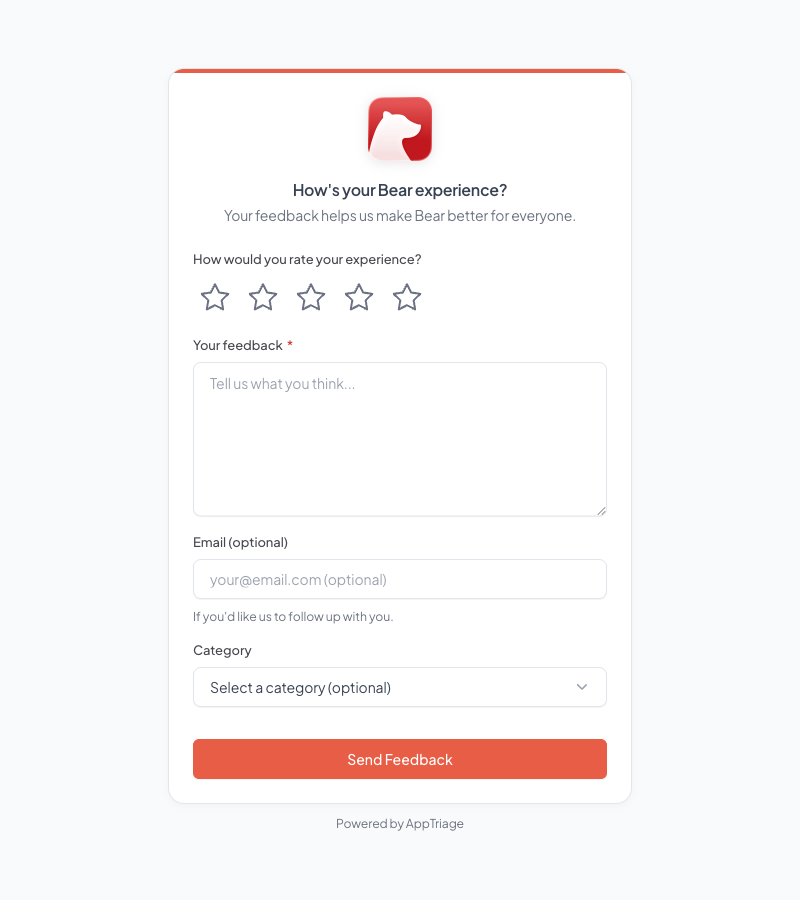
Branded feedback form with teal accent Branded feedback form with blue accent and star ratings Branded feedback form with coral accent color

App Store reviews don't come with a reply button

Someone leaves 1 star. "Doesn't work." That's the entire review. No device info. No steps to reproduce. No email to follow up. You're left guessing what broke.

App Store Review

★ ☆☆☆☆

"Doesn't work."

Anonymous · No email · No device info · No way to respond

Form Submission

★★ ☆☆☆

"The export button crashes every time I tap it on the summary screen. Started after updating to v3.2."

mike@gmail.com · iPhone 15 Pro · iOS 17.4 · v3.2.1 · US

How it works

Live in 2 minutes

1

Pick your colors and write your heading

Choose an accent color that matches your app. Write a heading your users will recognize. Live preview as you go.

2

Copy the link

Each form gets a unique URL. Put it in your app's support page, Settings screen, or email footer. No SDK, no embed code.

3

Every submission lands in your inbox

Star rating, message, email (if they shared it), plus device model, OS version, screen size, country — automatically.
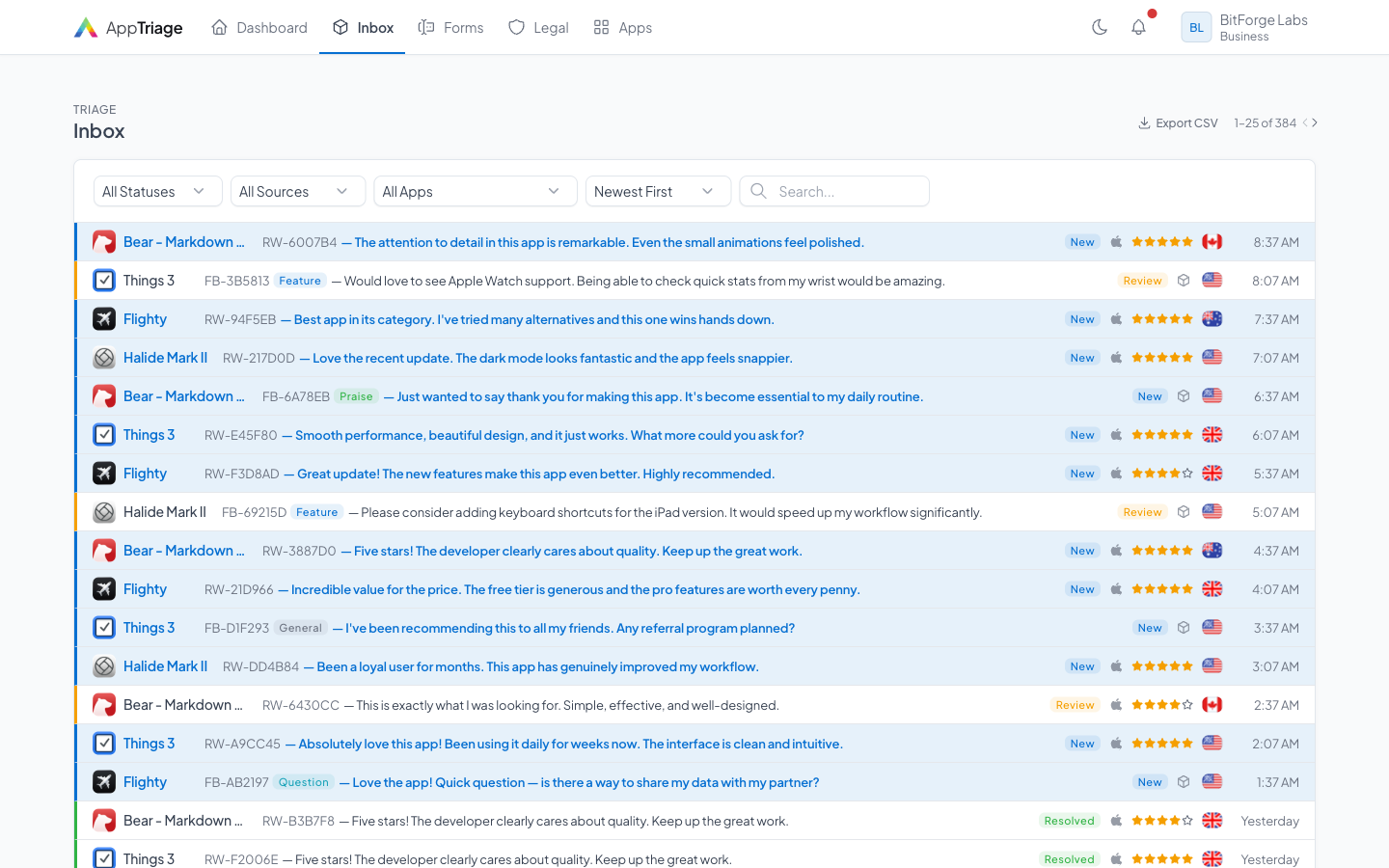
Inbox showing feedback submissions with star ratings and metadata

What you get back

Not just "great app".
Actual data.

Every form submission includes the context you need to actually fix problems. No follow-up emails asking "what device are you on?"

Star rating, message, email, device model, OS version, app version, screen size, country, language, and timezone — captured automatically from the browser.

★★☆☆☆
2 min ago

"The export button crashes every time I tap it on the summary screen. Started happening after updating to v3.2."

sarah@example.com
iPhone 15 Pro iOS 17.4 v3.2.1 1170 × 2532 United States English PST

All included in the free plan

Custom branding Star ratings Email replies Spam protection Any device No SDK needed

Common questions

Everything you need to know about the feedback form. Can't find an answer?

Get in touch
Is it really free?
Yes. The free plan includes 1 app, 100 feedback items per month, a branded form, and email replies. No credit card required. No trial that expires. If you need more apps or volume, Pro starts at $19/month.
How much can I customize the form?
You can set the accent color, heading text, description, button label, and choose a light or dark theme. The form uses your app's name and icon automatically. It's designed to look native, not like a third-party tool.
Do I need to add code to my app?
No. Your form is a web page with a unique URL. Link to it from your app's Settings screen, help page, or email signature. Users open it in their browser, fill it out, done. No SDK, no CocoaPod, no build step.
What data do you collect from users?
Only what they submit: star rating, message, and email (if you enable the field). We also capture device metadata automatically — device model, OS version, screen size, timezone, language, and country. We do not store IP addresses. See our Privacy Policy for details.
Can I reply to feedback?
If the user shared their email, yes — you can reply directly from your AppTriage inbox. They receive a personalized email from you. If they didn't share their email, you still have the feedback and device context to act on.
What happens when I hit the monthly limit?
We never reject a submission. Feedback over your plan's limit is still stored — you just can't view the details until you upgrade or the next billing cycle starts. Your users always have a way to reach you.

Your users have opinions.
Give them somewhere to put them

Free for your first app. No credit card. No commitment. Just a form that looks like yours.

Get Started Free