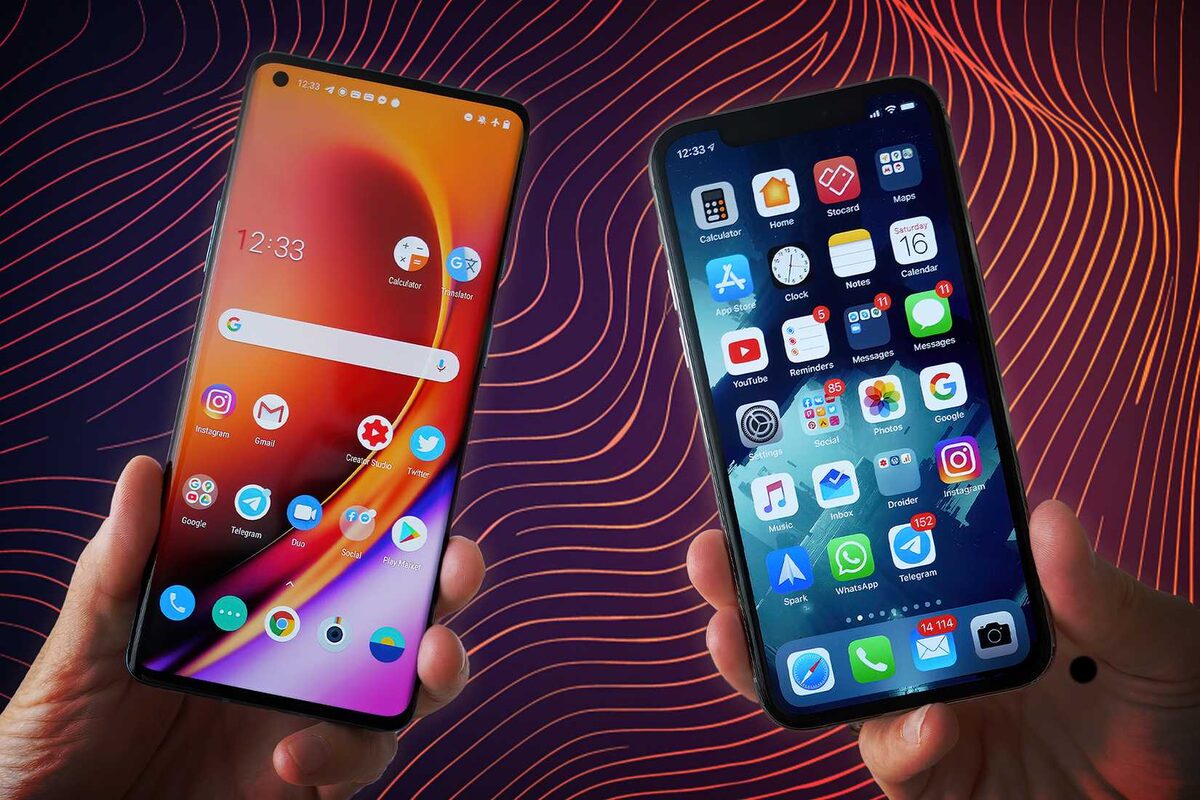
You launch your app on iOS. Good. You launch on Android. Great. Now you have twice as many reviews to manage.
What doesn't double: your time. Your attention span. Your ability to remember whether you responded to a review.
Most indie devs handle this by signing into App Store Connect, reading five reviews, then switching to Google Play Console, reading five different reviews, losing context about what they read on iOS, switching back, and doing it all again tomorrow.
This is inefficient. It's also where mistakes happen. A response you write on one platform doesn't sync to the other. You respond to a review, forget you responded, spend time on it again. Or you don't respond because you thought you already did.
The real problem isn't the volume. It's the fragmentation.

App Store and Google Play look similar. They both have review feeds. Both let you respond. But under the hood, they're fundamentally different systems built by different companies with different constraints and priorities.
Character limits. Apple allows 350-character responses. Google allows 5,970 characters. That's a 17x difference. On iOS, you can't provide detailed explanations. On Android, you can write a novelette if you want. Your voice changes between platforms unless you actively control for it.
Response availability. Not all iOS apps let you respond to reviews. Older apps, games, certain categories — reviews are read-only. You can't respond. You have to build an external feedback channel. Android is more permissive, but still has restrictions.
Metadata you get. Google Play gives you the reviewer's device model, OS version, and app version when they wrote the review. Apple gives you the date and rating. That's it. If someone says "crashes on iPhone 12," Apple doesn't tell you which iPhone they used. You have to infer from the text.
Pagination and sorting. Apple's API returns reviews chronologically in pages. Google Play's API can sort by rating, date, or relevance, and pagination works differently. If you're trying to fetch "all 1-star reviews from the last week," the two platforms require completely different queries.
Rating calculation. They use different formulas for average star rating. They weight recent reviews differently. An app might be 4.1 stars on iOS and 3.8 stars on Android even though the user base is identical. The algorithm isn't published.
iOS users and Android users don't leave the same reviews. This isn't because the products are different. It's because the user bases have different expectations and complaints.
iOS reviewers: Mention price more often. Apple's user base skews wealthier and more likely to balk at a $4.99 in-app purchase. They mention design and UI more. iOS design conventions are more opinionated. They're less likely to mention specific hardware ("crashes on my phone") because iPhones are fewer in number.
Android reviewers: Mention specific devices constantly ("doesn't work on Samsung Galaxy S20"). Report more crashes (larger device fragmentation = more bugs to discover). Mention storage and performance more (older Androids have less RAM). Less likely to complain about prices (different purchasing psychology).
This means your response strategy needs to adapt. For a pricing complaint on iOS, acknowledge it and explain the value. For a crash report on Android, ask what device they're using — the answer is 80% of your debugging work.
The game-changer is a unified inbox that pulls reviews from both platforms, de-duplicates them, and lets you respond from one place.
Without it: You check iOS, find 5 new reviews. You check Android, find 3 new reviews. You respond to iOS reviews first because that's where you are. You forget about Android. Three days later you remember and check Android — now you have 8 new reviews, but you're behind on iOS again.
With it: One inbox. 8 new reviews (5 iOS + 3 Android), sorted by rating and date. You respond to them in priority order. When you respond, the tool handles the platform-specific formatting (character limits, API calls, response formatting). You type one response. Two responses go out.
This isn't just convenience. It's a metrics change. You go from "how many reviews did I respond to?" (hard to track across two consoles) to "what's my response rate?" (automatic calculation) to "which app has the most unanswered reviews?" (one dashboard, instant visibility).
If you're building a custom integration or script to pull reviews, you need to understand that Apple and Google have completely different APIs.
Apple's App Store Connect API: Requires certificate-based authentication (cryptographic signing). Requires each request to be signed with your private key. Rate limits: 1 request per second. Pagination: cursor-based, requires following pagination tokens. Status code: 200 for success, 4xx for client errors (you messed up), 5xx for server errors (Apple messed up). If you exceed rate limits, you get a 429 (Too Many Requests).
Google Play Developer API: Uses OAuth2 authentication (standard, but requires a service account and credentials file). Rate limits: depends on your quota, but more generous than Apple. Pagination: offset-based, you specify startIndex and maxResults. Status codes: similar, but the error responses are JSON objects with error codes and messages. If you hit rate limits, you get a 429 with a Retry-After header.
These differences mean a tool that works for Apple requires totally different code for Google. If you're writing your own integration, you'll essentially write two separate systems that happen to store data in the same database.
This is why we built AppTriage to handle both. One configuration interface, two backend systems, one unified database. You don't see the complexity. You just see your reviews.
Here's a subtle problem: your 350-character iOS response sounds different from your 5,970-character Android response because you have different canvas sizes.
On iOS, you write: "Sorry about the crash. We've pushed a fix."
On Android, you write: "We're sincerely sorry that the app crashed during your use. We've identified the issue that was causing the crash on certain device configurations, particularly affecting Android 12 and 13 users. Our engineering team has developed a fix and it will be available in the next release, scheduled for this Friday. In the meantime, if you experience this issue again, please try force-stopping the app and clearing cache from Settings > Apps > [App Name] > Storage > Clear Cache. If you have any other issues, our support team is at support@example.com."
Same situation. Different tone. One sounds curt. One sounds helpful. Neither is intentional.
To maintain consistency: use response templates (keep iOS templates short and punchy, Android can expand), or develop guidelines for your responses (start with empathy, move to specifics, always include a next step).
The best approach: templates for common issues (crash, performance, feature request, pricing question) that you customize per platform. Same message, different length. Same voice, different format.
Most teams import reviews manually — sign into AppTriage, click "sync," wait for the import. Some check daily. Some weekly.
Better approach: set up automatic imports from both App Store and Google Play on a schedule (every 4 hours, every morning at 9am, whatever matches your release cycle).
This means new reviews automatically populate your inbox without you thinking about it. You're never checking two consoles. You're checking one place. That one place is always up-to-date.
Add webhooks (Slack, Discord, or email) for important alerts (new 1-star review, import failed, someone mentioned a crash), and you're never caught off-guard.
Here's a workflow change that matters:
Old way: Read review in AppTriage → copy the review text → sign into App Store Connect → paste the text into the response field → write response → hit send. Repeat for Google Play.
New way: Read review in AppTriage → write response in AppTriage → hit send.
The tool handles the authentication, rate limiting, and platform-specific formatting. You don't sign into either console. You don't copy-paste. You don't risk forgetting which platform you were responding to.
And critically: your response is logged in AppTriage's audit trail. You can see next month: "14 responses, average response time 2.1 days." That data doesn't exist in App Store Connect. Apple doesn't tell you your response rate. But it's a metric that matters.
People are often reviewing old versions of your app.
User writes: "App keeps crashing." Attached to this review is: app version 1.2.3, which you released 4 months ago. You shipped version 2.1.0 last week, which fixed the crash bug. But the user hasn't updated yet.
Your response could be: "This crash is fixed in version 2.1.0, available in the App Store now. Please update and let us know if it persists."
Or: "Thanks for reporting. Is the crash still happening in the current version?"
The difference: first response assumes they can update. Second response leaves room for "I tried updating and it still crashes" (which means you have a new bug to fix).
Google Play gives you the app version in the review metadata. Apple doesn't. So your Android responses can be version-aware. iOS responses have to be more generic or request the version be provided.
Set up AppTriage with both App Store Connect and Google Play API credentials on day one, before you ship. Don't wait until you have 50 reviews to deal with. Get the systems talking to each other while your review volume is manageable.
Create response templates for the most common review types: crash reports, feature requests, pricing questions, confusing UI complaints. Keep iOS templates under 280 characters (leaving room for context). Let Android templates be longer and more detailed.
Set automatic imports to run every 4 hours. Set up a Slack alert for 1-star reviews. Commit to responding to every review within 24 hours.
Review the analytics monthly. Which app has more reviews? Which platform has higher ratings? Are your responses actually changing review sentiment over time? You can't optimize what you don't measure.
We built AppTriage for exactly this — App Store and Google Play reviews in one inbox. Auto-import from both stores, unified tagging, and a dedicated Google Play review tracker. Free for your first app.
