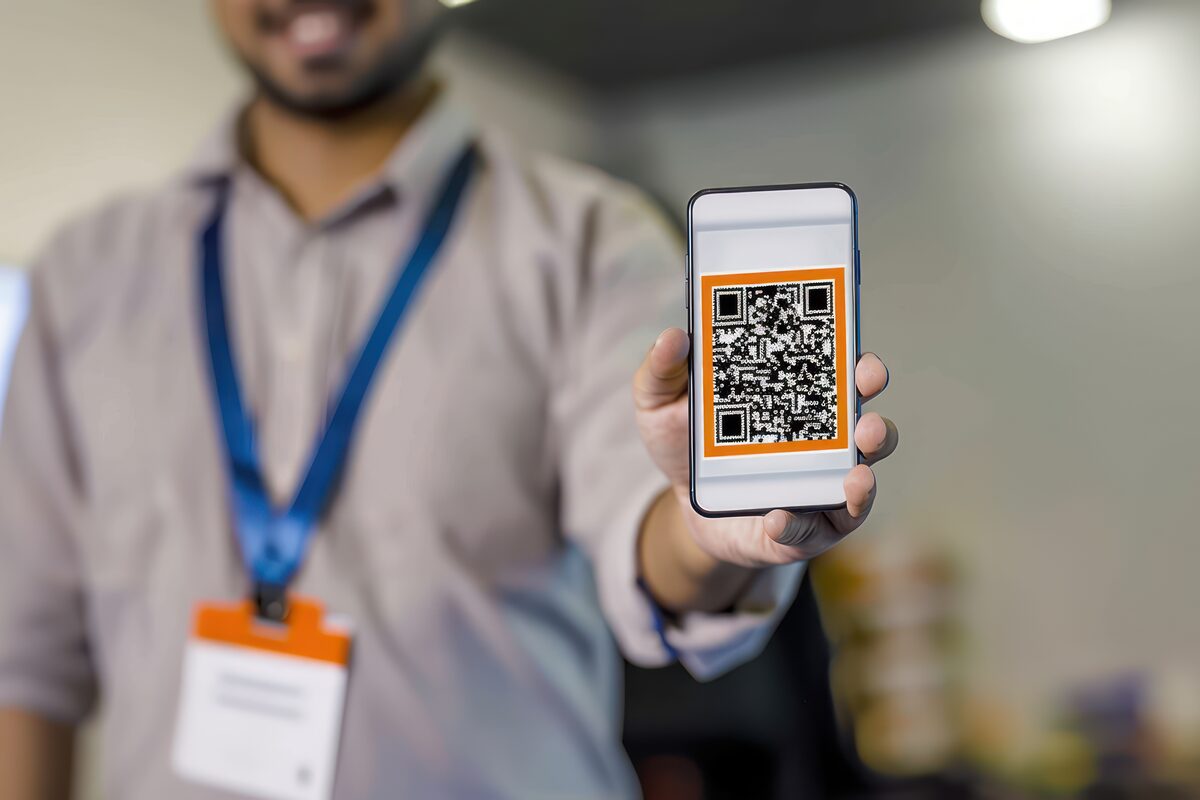
Conference season. You're sponsoring a booth. You spent money on travel, booth space, branded t-shirts. Your goal: get feedback from attendees about your product.
Your old approach: hand out a card with a survey link. "Please fill this out when you get home."
Response rate: 3-5%. Maybe.
Most people don't get home and remember your card. They throw it away. You get three responses from your entire conference presence.
Here's what works instead: QR code on a badge. QR code on the booth screen. QR code on the booth table. Attendee scans it during the conversation. Fills out feedback in 30 seconds. Right then. While they're still engaged.
Response rate: 15-25%.
That's not a small difference. That's the difference between getting signal and flying blind.

Post-event surveys assume that attendees have perfect memory. They met your team, talked about your product, got excited, and will remember it well enough to fill out a survey a week later.
That's not how human memory works. If you don't capture feedback within minutes of a conversation, it's gone. The person moves to the next booth. The next event. Their brain overwrites the details.
But if you have a QR code and a form that takes 20 seconds to fill out, you capture feedback while it's hot. Attendee's immediate impression: "I liked the founder's energy but I'm confused about pricing" gets written down. Two minutes later, they've moved to a different booth and that thought is lost forever.
Real-time collection is also way more memorable for attendees. You're not bugging them with an email later. You're getting feedback immediately, showing you care about their opinion right then. That actually improves brand perception.
On your booth table: Eye level, facing inward (toward people walking by). When someone approaches, the QR code is the first thing they see. Pair it with a sign: "Scan and share your feedback."
On a screen or display: Loop a slide on your booth screen showing the QR code. Big, clear, hard to miss. Attendees waiting in line can scan while waiting.
On badges (for your team): Your booth staff wears QR codes on their lanyards. When meeting someone one-on-one, you can point them to your badge: "Scan my badge if you want to share feedback."
On booth banners: Print the QR code (at least 4x4 inches for reliable scanning) on your backdrop banner. Even if you're not at the booth, attendees can scan it.
Between talks (on slides): If you're speaking or sponsoring a talk, include a QR code on your closing slide. Attendees who found your talk valuable can scan and tell you directly.
On exit signage: As people leave your booth, a "Thank you!" sign with a QR code catches leavers. Some people regret not giving feedback. This is their second chance.
Event attendees have low attention span. They're walking between sessions. They have 30 seconds maximum.
Your form should be:
One rating question: "How interested are you in our product?" 1-5 stars or emoji (😞😐😐😊😄). Takes 2 seconds.
One open question: "What was your biggest takeaway?" or "What would make this product better for you?" Optional. If they have something specific, they'll answer. If they don't, they skip it. Takes 10 seconds or they skip.
Optional email: "Want to hear from us?" Checkbox. If checked, ask for email. Don't assume they want follow-up. Give them the choice.
Total time commitment: 15-30 seconds. People will do this. At a conference, 30 seconds is nothing.
Don't ask for: name, company, job title, phone number, address. You're collecting feedback, not harvesting contact lists. (If you want contacts, that's a different form. Different event activity.)
Here's where AppTriage's QR system gets clever.
You create four versions of the same feedback form: one for your booth table, one for your booth screen, one for speaker badges, one for the booth exit sign. Each has a different QR code.
Each QR links to the form with a pre-filled "source" field: source=booth-table, source=booth-screen, source=badge, source=exit.
Attendees don't see this field. It's hidden. But every submission gets tagged with where they scanned the QR.
At the end of the event, you can see: "50 scans from the booth table, 12 from the screen, 8 from badges, 3 from exit sign." You know which placement worked best. Next event, you put more emphasis on booth-table placement.
This is real data. Not assumptions. Data.
We've tracked feedback data across six conferences and dozens of product demo events. Here's what we see:
Booth table placement: 35-40% of booth visitors scan. Average form completion rate: 70% (some scan, then don't complete). Net: ~25% of booth traffic becomes feedback submissions.
Booth screen placement: 15-20% scan. Completion rate: 60% (more friction from the angle of looking up). Net: ~10% conversion.
Badge placement: Depends on conversation quality. At networking events: 5-10% of one-on-one conversations result in a scan. At product-focused conferences: 20-30%. Varies wildly.
Speaker/presentation QR: 5-8% of audience members scan. But they're hot leads — they're interested enough to give feedback. Completion rate: 80%+.
The pattern: visible, easy-to-access QR codes get scanned. Codes that require effort or searching don't.
Conferences (big, multi-day): Lower response rates overall (20%). People are exhausted. But feedback is higher quality — they've met many teams, so their commentary is comparative.
Meetups (local, 50-200 people): Highest response rate (25-30%). Smaller, more intimate. People are fresher. Feedback is detailed.
Product demos (for specific teams): Varies wildly (10-40%) depending on how interested the audience is. Live demo followed by QR gets 35%+. Passive presentation → 10%.
Trade shows (many vendors): Lowest response rate (5-15%). People are in transaction mode. They're not interested in feedback. They're collecting swag and moving on.
Workshops or trainings: High response rate (30-40%). People are invested. They spent time with you. They're more likely to give feedback.
You collect feedback. Now what?
Don't: Let it sit in a spreadsheet. Collect it and do nothing. Close the form without analyzing results.
Do: Look for patterns. If 80% of attendees say "pricing is unclear," you have a messaging problem. If 60% say "love the concept but it's missing X feature," you have a roadmap input. If 15% ask "how much does it cost?", your pricing page isn't visible enough.
Follow up selectively: If someone left their email and gave negative feedback ("not interested"), send them a brief follow-up: "Thanks for talking to us at [conference]. I saw you noted [feedback]. Happy to discuss further if you'd like." One email. Not pushy. But shows you're listening.
Share internally: Show your team the feedback. Quantified. Real comments. This is gold for product teams. "16 people mentioned this pain point" is data. Data drives decisions.
Create a feedback form in AppTriage. Configure it: rating question, one open question, optional email. Set the theme to match your booth aesthetics (you get color customization).
Generate four versions of the QR code with different source tags (booth-table, booth-screen, badge, exit). Print them. Put them in places.
That's it. Forms are live. Feedback starts flowing. No backend work. No webhook setup. No complexity.
All submissions appear in your AppTriage inbox, tagged by source. You can export as CSV at the end of the event if you want to analyze further.
Create a simple feedback form one week before. Test it on your phone. Make sure the QR codes scan cleanly. Print four versions (booth table, screen, badge, exit) at high DPI (300 pixels per inch).
At the booth, prioritize table placement. Test booth-screen placement only if you have a spare display. Give badges to your team but don't make it a primary collection mechanism.
Track QR scans in real-time during the event. If one placement is getting zero scans, adjust it. Move it. Try a different spot.
At the end of the day, export your feedback. Look for patterns. Did people mention a specific problem? A competitor? A missing feature? That's your follow-up. That's what you discuss in post-mortems.
Send one follow-up email to interested attendees (the ones who left their email). Not "buy our product." Just "thanks for the feedback, here's what we're doing about it."
AppTriage's event feedback system gives you print-ready QR codes linked to branded feedback forms. Attendees scan and submit in seconds. All responses in one inbox. Try free for your next event.
