
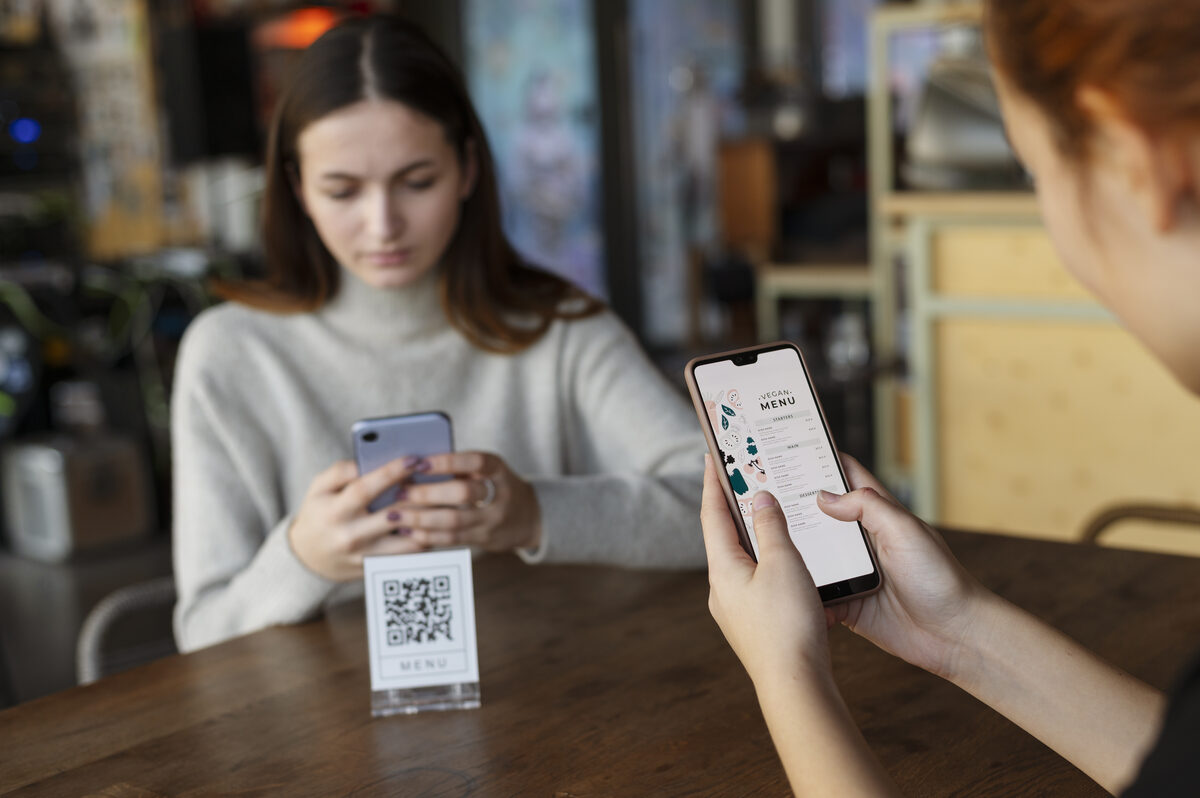
I'll admit it: when someone first suggested putting a QR code on my business cards to collect feedback, I thought it was the dumbest thing I'd heard all week.
QR codes? In 2026? What's next, carrier pigeons?
Then I tried it. And it worked better than any other feedback channel I've ever set up.

The experiment
I was going to a small indie dev meetup — maybe 30 people. I had business cards with the usual stuff: name, app name, website. On the back, I added a QR code that linked to my AppTriage feedback form with a pre-filled field: "source: meetup."
My expectation: zero scans. People don't scan QR codes.
What actually happened: 8 people scanned it. 5 of them submitted feedback. One of them reported a bug I'd been trying to reproduce for two weeks — he had the exact device and OS version that triggered it.
From a 30-person meetup. That's a 17% conversion rate.
Why QR codes work for feedback
QR codes fail when they add friction to something that already has a frictionless path. "Scan this QR code to visit our website" is pointless — you can just type the URL.
But "scan this to tell me what you think about my app" solves a real problem. There's no existing frictionless path. The alternative is "go to the App Store, find my app, write a review" — which is 8+ taps and requires an Apple ID. Or "email me" — which requires opening an email client.
QR code → form → submit. Three steps. Under 30 seconds.
Where QR codes worked (ranked)
Business cards at events. The winner. People already have the card in their hand. The form is one scan away.
Printed inside app packaging. If you sell hardware + app, putting a QR code in the box with "How's the setup going? Let us know" captures feedback at the exact moment the user is experiencing your onboarding.
On a booth or table display. At a conference or demo day. "Tried the app? Tell us what you think →" with a QR code.
On stickers. I put stickers on my laptop with a QR code. It's a conversation starter. People ask what the code is, I explain, and about 30% of the time they scan it and leave feedback.
Where QR codes flopped
In-app. Showing a QR code inside the app itself makes no sense. The user is already on their phone. Just show them the form directly.
On the website. Same problem. If they're already on your site, link them to the form. A QR code adds a step that doesn't need to exist.
In emails. Nobody scans a QR code from their phone to go to a URL when they're already reading the email on their phone and you could just link the URL.
The numbers
Over three months of casual QR code usage — meetups, stickers, a couple of conference tables — I collected 47 feedback submissions via QR. Compared to 12 from the "Send Feedback" button in my app during the same period, and 31 from App Store reviews.
QR was my second-highest feedback channel. And the quality was higher than average — longer messages, more specific issues, often from people who cared enough to scan a code on a business card.
How to set it up
You need two things: a feedback form and a QR code generator.
For the form, use anything that gives you a stable URL — a Google Form, a Typeform, or a tool like AppTriage that generates one for you.
For the QR code, any generator works. AppTriage creates a downloadable PNG automatically, but there are dozens of free generators online. The key: make sure the URL is permanent. If you change your form URL later, every printed QR code becomes a dead link.
Pro tip: add a UTM parameter or a hidden field to identify the source. I use ?src=meetup-march or ?src=sticker so I can tell which QR codes are actually getting scanned.
Verdict
Not a gimmick. Genuinely useful. But only in physical contexts where the user isn't already on your digital platform. If someone is already on their phone looking at your app, give them a button. If they're standing in front of you at a conference, give them a QR code.
AppTriage generates print-ready QR codes for feedback collection — linked to your branded feedback form. Scan, type, submit. All responses land in your inbox alongside App Store reviews. Try it free.