Place QR feedback cards on tables, patios, receipts, pickup counters, and restrooms. Guests tell you what went wrong privately, and your team sees the table or area, rating, owner, status, and reply history in one inbox.

A restaurant feedback QR code works best when it is tied to a real moment: table service, pickup, restroom, patio, receipt, or checkout. That source context is what turns a vague complaint into something the team can fix.
Catch service speed, dish quality, temperature, noise, and table issues while the guest is still seated.
Keep outdoor seating and bar feedback separate from the main dining room so patterns are not buried in one score.
Track missing items, wait time, packaging, and pickup friction before the customer writes the review from home.
Let guests report cleanliness, supplies, odor, and maintenance issues without searching for staff.
Add a private feedback path to every order so guests have a softer place to complain first.
Use private QR feedback for unhappy guests, then send happy customers to public review requests when appropriate.
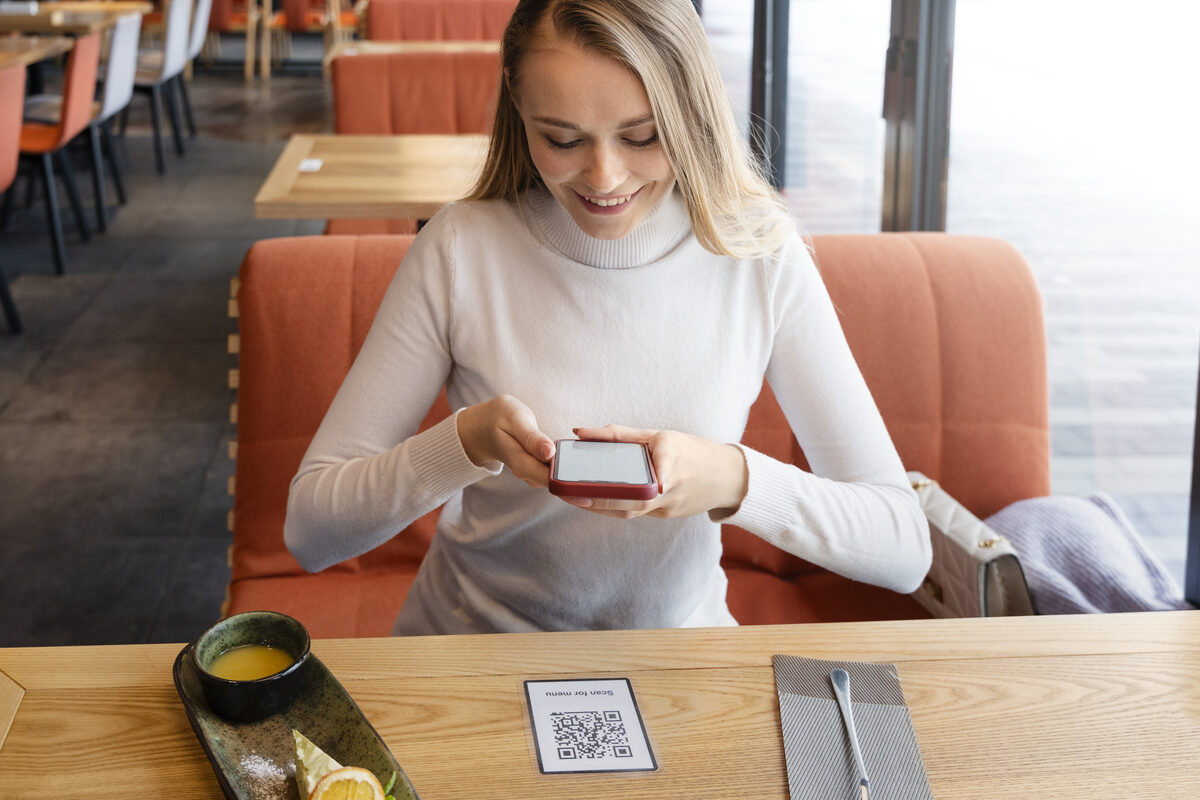
Restaurants do not need a long survey. They need a visible, private path at the exact moments where the experience can still be recovered.
Tables catch live service problems. Receipts catch takeaway and post-meal issues. Together they cover the highest-risk review moments.
Keep the form short enough to complete before the check arrives. Optional email is useful for recovery, but should not block submission.
Floor lead, kitchen, bar, pickup, restroom, and manager feedback should land in the same inbox but carry the right owner.
When a guest leaves contact details, reply first. Ask for Google or TripAdvisor only after the issue is resolved.
The value is not more survey data. The value is catching the fixable issue while the guest is still reachable and before the story becomes public.
Use table, patio, restroom, pickup, receipt, and event QR feedback points with clear labels.
The form opens in the browser. No app install, no account, no pressure to post publicly.
Every response includes rating, source, status, owner, tags, and reply history in one queue.
When the guest shares contact details, the manager can respond and recover the visit before a public review appears.
Designed for restaurants, cafés, bars, food trucks, and takeaway counters that want a private recovery path.
No. They scan the QR code with their phone camera, the form opens in the browser, and the feedback lands in your private inbox.
Yes. Use one QR point for a simple pilot, or separate codes for tables, patio, takeaway, restrooms, receipts, and events.
Yes, when the guest leaves an email. The reply history stays attached to the inbox item so managers see the full recovery trail.
No. It gives unhappy guests a private path first. Happy guests can still be routed to public review requests separately.
Start with one restaurant QR feedback point, then expand to tables, patio, takeaway, restrooms, and receipts as the team sees useful patterns.
Start restaurant feedback free